Welcome to Batford Day Care
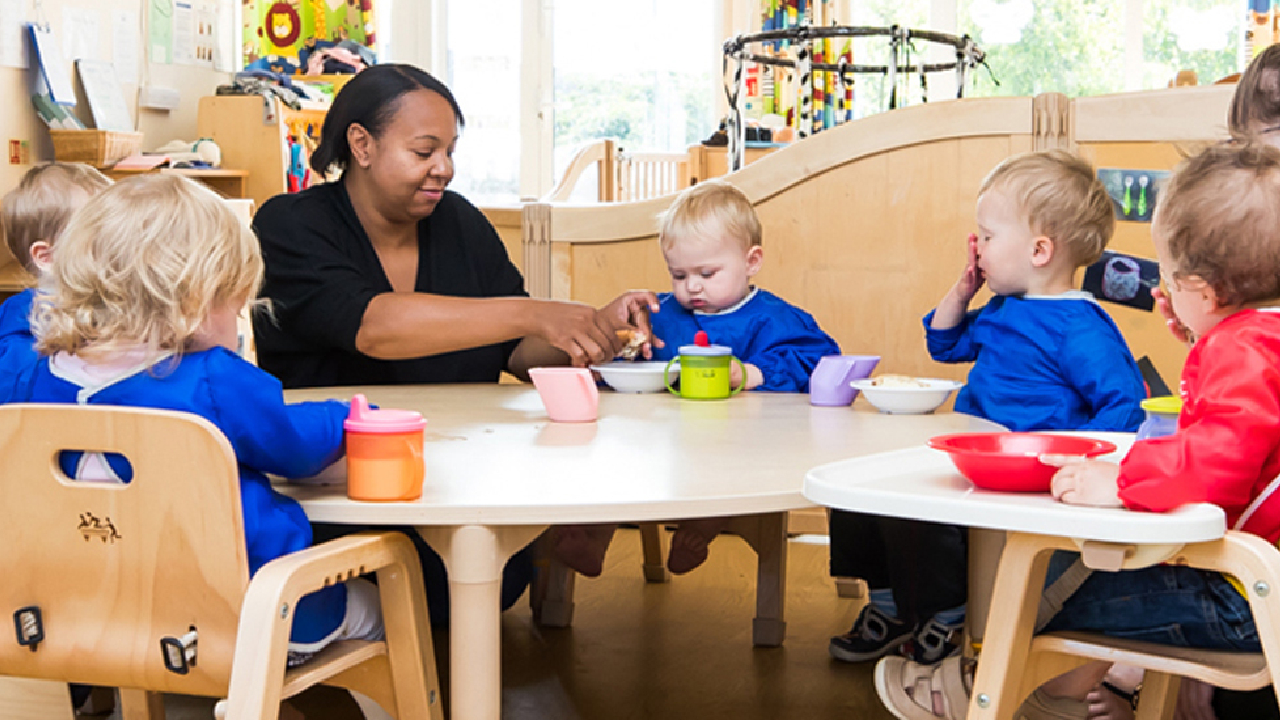
At Batford Day Care, we are delighted to provide a nurturing, inclusive and stimulating environment where young children can learn, play and thrive. We are open from 7.30am to 6.00pm, Monday to Friday, offering full-day care for children aged 0–5 years, with closures only for Christmas, Bank Holidays and five staff training days each year.
For families whose children attend Batford Nursery School, we are pleased to offer wraparound care during term time, as well as holiday day care subject to availability. We work closely in partnership with Batford Nursery School to ensure every child experiences a smooth and confident transition into nursery education.
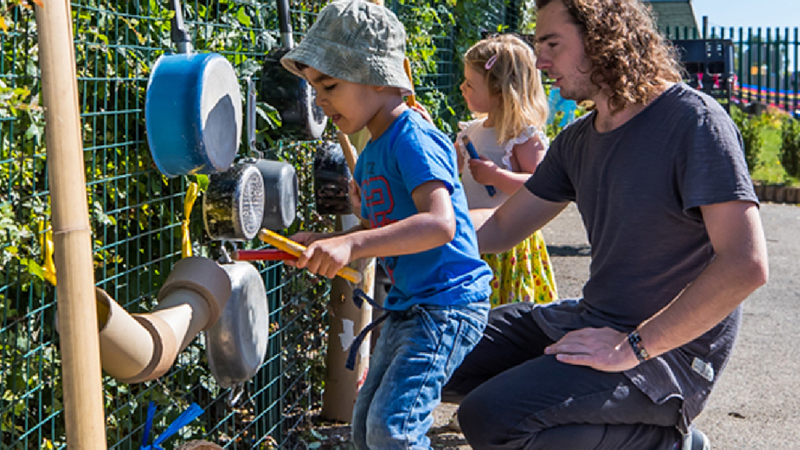
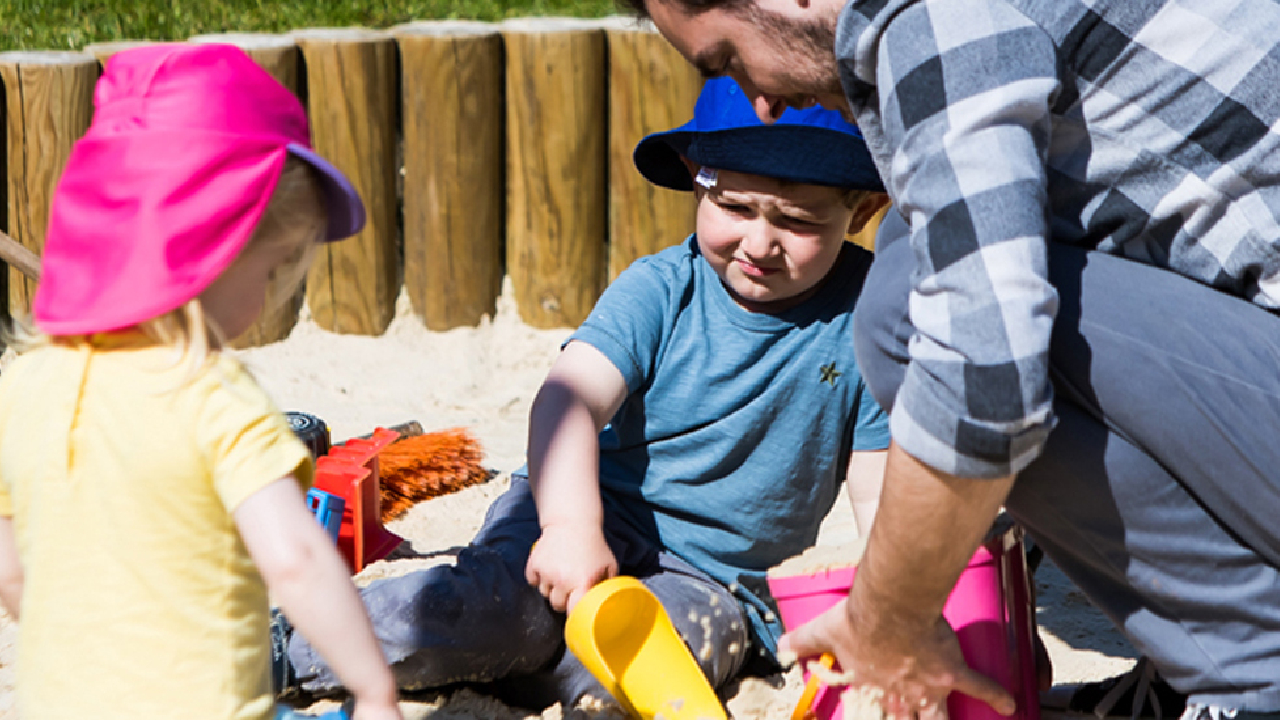
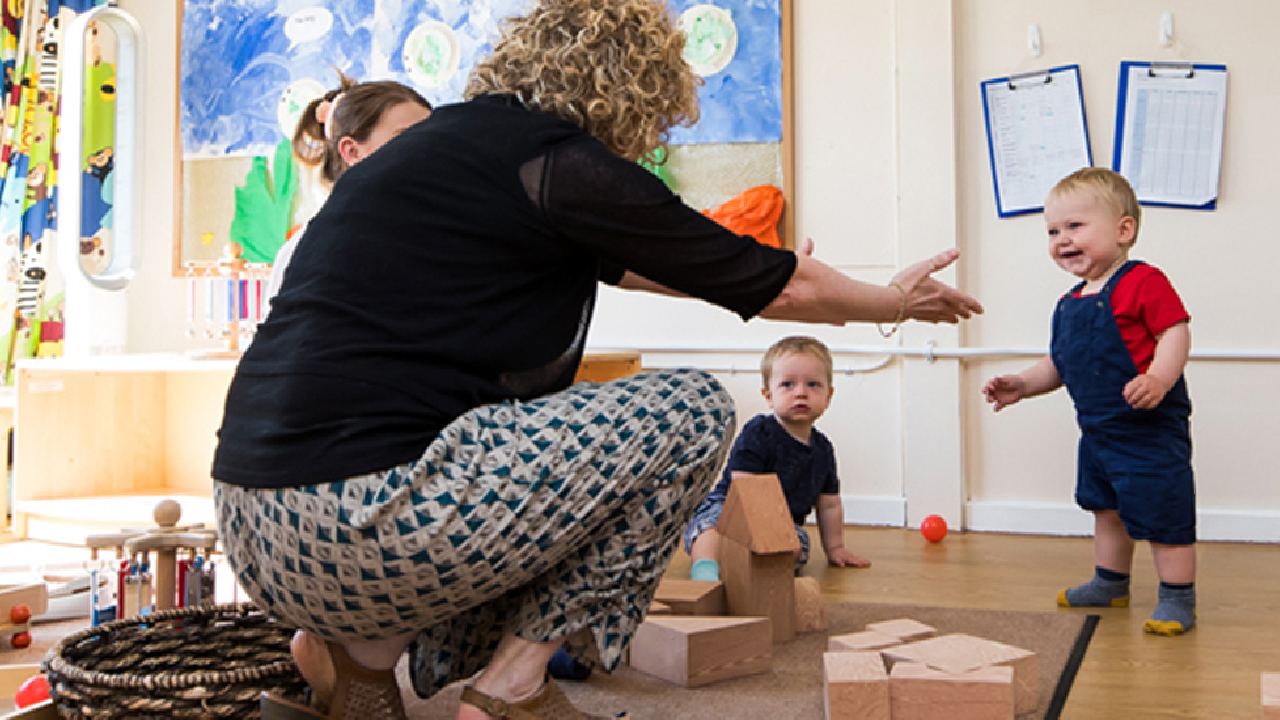
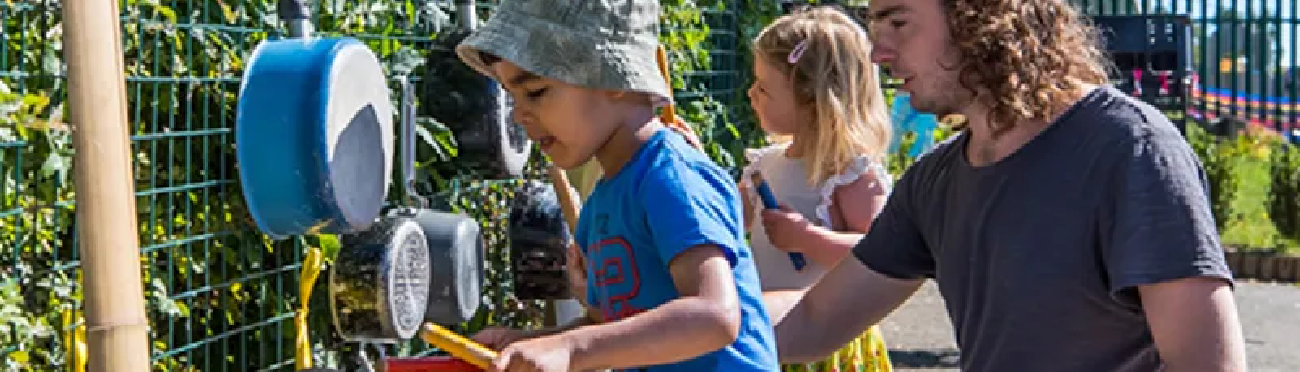
Children attending Batford Day Care benefit from fabulous outdoor spaces, well-resourced group rooms, and access to a broad range of learning opportunities designed to support their individual development, curiosity and wellbeing.
As an early years provider, we follow the Statutory Framework for the Early Years Foundation Stage (EYFS) and are inspected by Ofsted, ensuring high standards of care, learning and development for every child.
We look forward to welcoming you and your family to Batford Day Care, where every child is valued, supported and encouraged to reach their full potential.